HappyHorse for Content Creators

Content creators can use AI video tools like HappyHorse to generate B-roll, intros, visual effects, and supplemental footage that scales their production without scaling their budget.
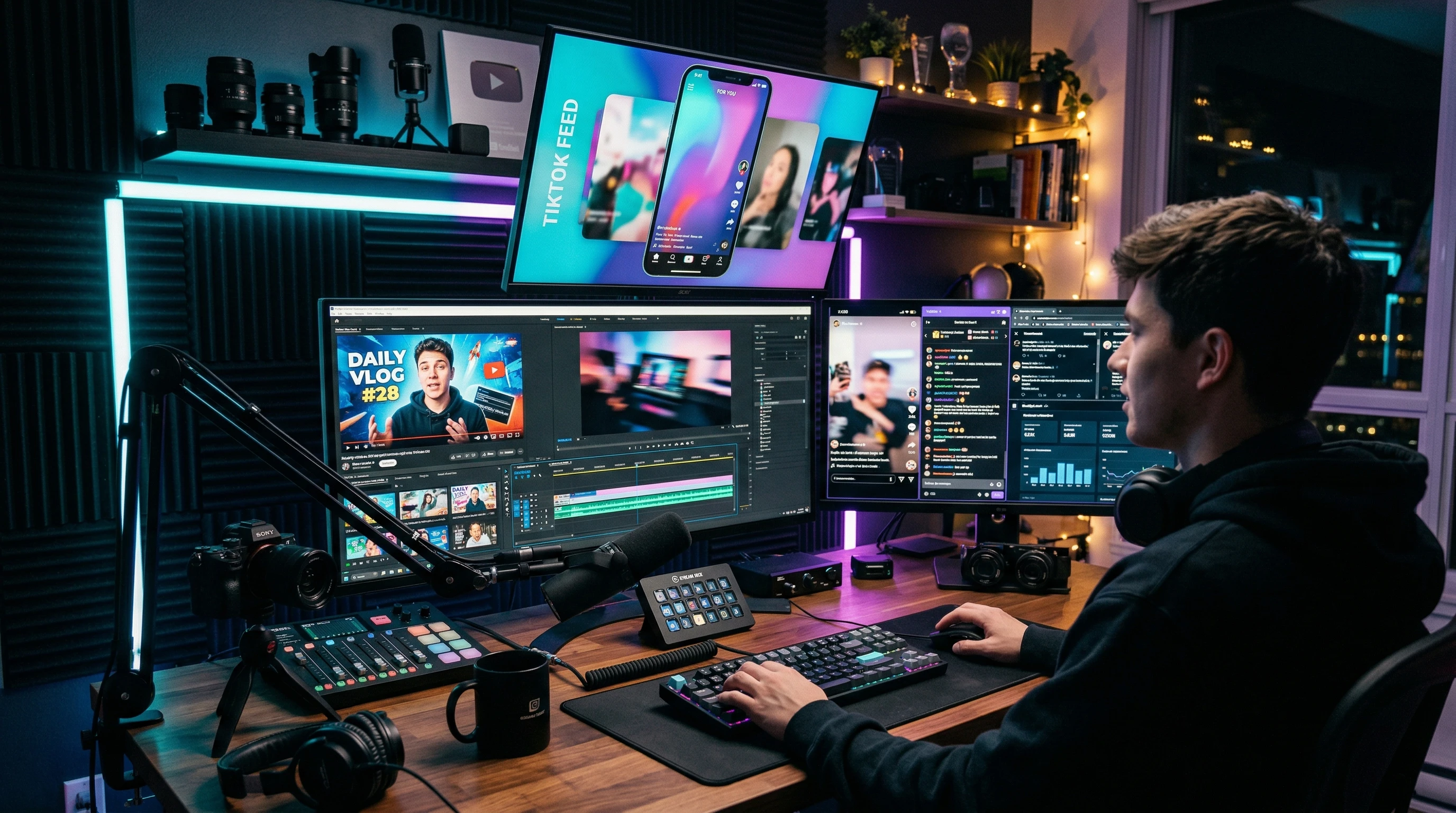
HappyHorse for content creators showing AI video workflow for social media platforms

Key facts

Quick facts

Creator adoption trend

Verified

AI video tools are being adopted by creators primarily for B-roll, intros, transitions, and supplemental footage rather than replacing primary content

Platform compatibility

Verified

AI-generated video at 1080p meets the quality requirements for all major social platforms including YouTube, TikTok, and Instagram

Content scaling potential

Mixed

Creators report 3-5x increases in video output when incorporating AI generation for supplemental footage, though primary content still requires human creativity and presence

Audience reception

Mixed

Audience tolerance for AI-generated content varies significantly by niche and platform, and disclosure practices are still evolving

Unlock the HappyHorse Prompt Library

Get 50+ tested AI video prompts, comparison cheat sheets, and workflow templates delivered to your inbox.

Free. No spam. Unsubscribe anytime.

Mixed signal

Some facts are supported, but other details remain uncertain

Use case guidance is based on general AI video capabilities. Specific HappyHorse results may vary.

Readers should expect careful wording here because public reporting confirms the topic, while some product details still need cautious treatment.

Learn more

Content creators face a universal problem: audiences want more content, faster, across more platforms. AI video generation does not solve the creative challenge of having something worth saying. It does solve the production bottleneck of turning ideas into visual content at a pace that keeps up with platform demands.

Where AI video fits in a creator workflow

The most practical way to think about AI video generation is as a layer in your existing production stack, not a replacement for it. Here is where it fits:

High-value uses for creators

  • B-roll and visual illustration. Explaining a concept? Generate a visual that shows it instead of using stock footage everyone has seen before.
  • Intros and outros. Create unique branded opening sequences without After Effects expertise.
  • Transition scenes. Fill gaps between segments with atmospheric or thematic footage.
  • Thumbnail and preview content. Generate eye-catching visual concepts for thumbnails and preview clips.
  • Concept visualization. Discussing future technology, historical events, or abstract ideas? Generate visual representations.

Where human creation still wins

  • Talking head content. Your face, your voice, your personality. This is what your audience follows you for.
  • Real-world reviews. Hands-on product reviews, travel vlogs, cooking demonstrations. Authenticity requires real footage.
  • Community interaction. Live streams, Q&A sessions, collaborations. The human element is the product.

Platform-specific formats and strategies

Different platforms reward different content. Here is how AI video fits each:

YouTube (long-form and Shorts)

Long-form integration:

  • Use AI-generated clips as B-roll during narration sections (3-10 second clips)
  • Generate thematic intro sequences that match your channel brand
  • Create visual representations for abstract concepts in educational content
  • Produce consistent background loops for commentary sections

YouTube Shorts:

  • Generate 15-60 second standalone visual clips with text overlay
  • Create attention-grabbing hook visuals for the first 2 seconds
  • Produce visual effects or transitions that would normally require motion graphics skills

TikTok

  • Fast-paced visual content performs well: generate multiple 3-5 second clips and stitch them
  • Use AI video for trend participation when you need specific visual elements you cannot easily film
  • Generate reaction-worthy visual content that encourages shares and duets
  • Vertical 9:16 format; prompt specifically for this aspect ratio

Instagram (Reels and Stories)

  • Polished, aesthetic-forward content aligns well with AI generation strengths
  • Generate lifestyle and mood content that supports your brand identity
  • Use AI clips for Story sequences that maintain visual consistency
  • Carousel posts can mix AI-generated video with real footage

Twitter/X

  • Short, punchy clips (under 30 seconds) for maximum engagement
  • Generate visual content to accompany commentary or analysis threads
  • Eye-catching video thumbnails to stop the scroll

A content creation workflow with AI video

Step 1: Script and storyboard first

Never start with generation. Start with what you want to say and how you want to say it. Identify the specific moments where AI-generated footage would add value.

Step 2: Build a shot list

For each AI clip you need, write down:

  • What needs to be on screen
  • The mood and energy level
  • How long the clip needs to be
  • Where it sits in the final edit

Step 3: Batch generate

Generate all your AI clips in one session. This is more efficient than generating one at a time between other tasks. Create 3-5 variations of each shot.

Step 4: Edit and integrate

Bring AI clips into your existing editing workflow alongside your real footage. Apply color grading to match AI clips with your filmed content. The goal is visual coherence.

Step 5: Add your layer

Voiceover, on-screen text, music, sound effects, your face in picture-in-picture. The AI footage is the foundation; your creative direction is what makes it your content.

Scaling content production

The math for creators using AI video looks roughly like this:

Before AI video tools:

  • 2 videos per week
  • 4 hours filming, 8 hours editing per video
  • 24 hours total per week on production

With AI video integrated:

  • 4-5 videos per week
  • 2 hours filming core footage, 4 hours editing (including AI clip selection and integration)
  • 24-30 hours total, but 2x the output

The time savings come from eliminating B-roll shoots, stock footage searches, and basic motion graphics work. The creative time (scripting, presenting, editing decisions) stays roughly the same.

Practical tips

  • Maintain a prompt library. Save prompts that produce good results so you can reuse and iterate on them.
  • Color grade everything together. AI footage and real footage need to feel like they belong in the same video. A shared LUT or color grade handles this.
  • Disclose when appropriate. Transparency about AI use is increasingly expected and builds audience trust.
  • Do not lean on AI as a crutch for weak content. AI-generated visuals cannot save a video with nothing to say. Focus on substance first.
  • Export at platform-native specs. Do not let compression happen twice. Export directly at each platform's preferred resolution and bitrate.

Next steps

For ready-to-use prompt templates, see cinematic prompts or the general prompt templates. For animation-focused workflows, check HappyHorse animation.

Non-official reminder

This website is an independent informational resource. It is not affiliated with HappyHorse or its creators. Workflow guidance reflects general AI video capabilities, and specific results may vary by model and use case.

FAQ

Frequently asked questions

Should I tell my audience I used AI-generated video?

Transparency is generally the safest approach. Many platforms are introducing or considering AI content disclosure requirements. Being upfront about AI use tends to build trust rather than erode it, especially if the AI content is supplemental rather than the core value of your work.

What kind of content creator benefits most from AI video generation?

Creators who produce educational content, commentary, news analysis, or any format where visuals support narration benefit most. The AI handles B-roll and visual illustration while the creator focuses on the ideas and presentation that audiences actually follow them for.

Will AI video replace human content creators?

No credible evidence suggests that. AI video is a production tool, not a replacement for the personality, perspective, and community relationship that define successful creator businesses. It changes the production process, not the creator-audience dynamic.

Recommended tool

Ready to create?

Powered by Elser.ai.

Try AI Image Animator